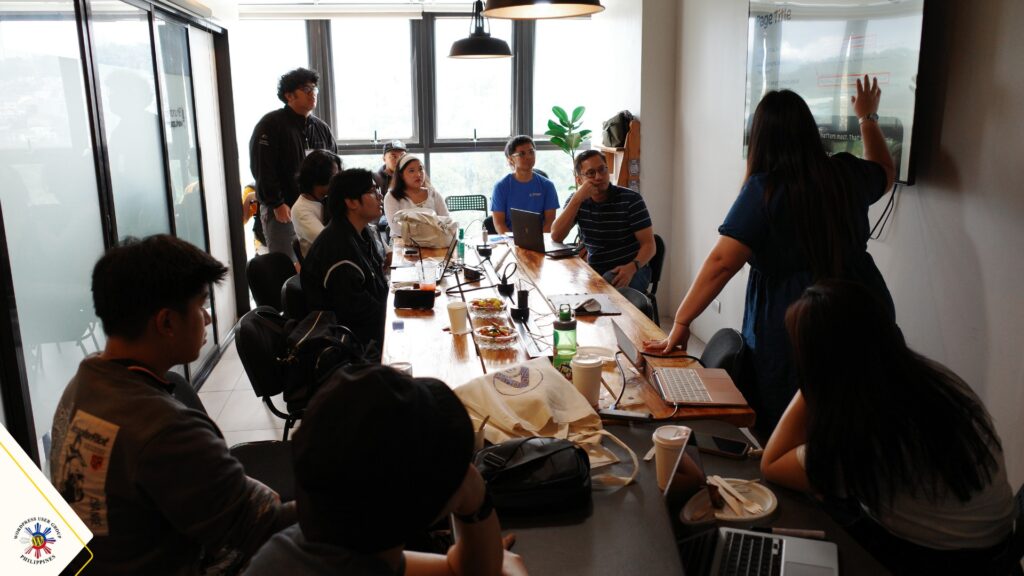
Speaker Guidelines
Thank you for your interest in speaking at the WordPress Manila Meetup! Our events are community-driven and made possible by volunteers who generously share their knowledge and experience.
We welcome speakers from all backgrounds and experience levels. Whether it’s your first talk or your fiftieth, our goal is to create a welcoming space where everyone can learn, connect, and grow together.
What We Expect
- Keep it educational. Share practical knowledge, lessons learned, or WordPress-related skills that benefit the community.
- No sales pitches. Talks should not promote your products, services, or business. You’re welcome to share your contact information and where attendees can find you at the end of your presentation.
- Manage your time. Talks are typically 20–30 minutes, followed by 10–15 minutes of Q&A. Please rehearse beforehand to stay within your allotted time.
- Make your content accessible. Use clear language, explain technical concepts when needed, and design your presentation for attendees of all experience levels.
Slide Guidelines
To provide the best experience for attendees, please keep your slides simple, clear, and accessible.
- Use large, readable text (recommended: 24–30 pt or larger).
- Keep slides clean with short bullet points, visuals, and diagrams instead of large blocks of text.
- Use high-contrast colors to improve readability.
- Limit animations and transitions that may distract from your presentation.
- Use high-quality images and screenshots.
- Credit any third-party images, code snippets, statistics, or quotes.
- Ensure screenshots do not contain passwords, API keys, personal information, or other sensitive data.
- Include a final slide with your name, website, social media, QR codes, and any resources you’d like to share.
- Bring both your presentation file and a backup PDF.
- Prepare your slides in 16:9 widescreen format unless instructed otherwise by the organizers.
Your slides should support your presentation—not replace it. Focus on engaging with the audience while using your slides as a visual aid.
Before the Meetup
- Arrive at the venue 15–20 minutes early to test your presentation and equipment.
- If presenting from your own laptop, bring any necessary adapters (such as an HDMI adapter).
- Have your presentation ready before your session begins.
Code of Conduct
All speakers are expected to read, follow, and agree to the WordPress Community Code of Conduct. By accepting a speaking slot, you agree to help create a welcoming, respectful, and inclusive environment for everyone. This applies to your presentation, slides, language, examples, and interactions with attendees before, during, and after the event.